Cart
0
TL;DR:
- Your home workspace can either enhance your productivity or silently hinder your progress by neglecting ergonomics and organization. Creating a focused environment involves assessing natural light, choosing a quality ergonomic chair, and designing structured work routines with limited interruptions. Regular maintenance of your setup and deliberate workflow scheduling sustain comfort and efficiency over the long term.
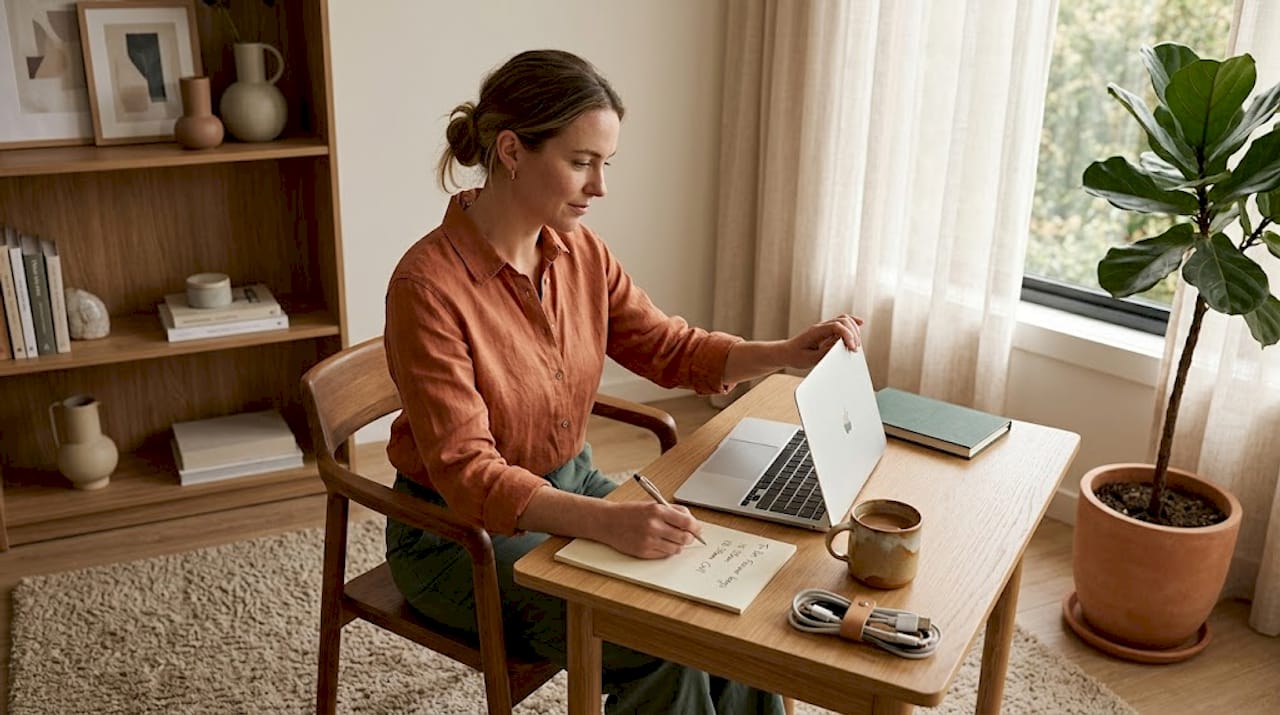
Your home workspace is either working for you or quietly draining you. A cosy home setup workflow is not about having a Pinterest-perfect desk. It is about building an environment where you can think clearly, work comfortably, and actually finish what you start. Most people get tripped up by the same things: poor lighting, an uncomfortable chair, a cluttered surface, and no real structure to the day. This guide tackles all of it, from choosing the right space and ergonomic furniture to designing a workflow that protects your focus and a décor approach that keeps your motivation steady.
Table of Contents
- Key takeaways
- Your cosy home setup workflow: where to begin
- Ergonomic furniture that actually supports you
- Building an efficient home workflow
- Cosy workspace ideas that support focus
- Maintaining your setup for long-term success
- My honest take on getting the setup right
- Make your workspace work beautifully with Homable
- FAQ
Key takeaways
| Point | Details |
|---|---|
| Start with space assessment | Choose a quiet, well-lit area and map furniture placement before buying anything. |
| Chair first, décor second | Invest in a quality ergonomic chair before spending on accessories or aesthetics. |
| Batch your communications | Limiting meetings to two short daily windows protects your deep work time significantly. |
| Apply the subtract-first rule | Remove one item from each surface before adding anything new to reduce mental friction. |
| Maintain weekly rituals | A short weekly audit of your setup keeps ergonomics, cables, and workflow in check. |
Your cosy home setup workflow: where to begin
Before you spend a single pound on furniture or accessories, you need to understand the space you are actually working with. Walk around your home and identify where natural light falls consistently throughout the day. Natural light positively affects mood and focus, and positioning your desk perpendicular to a window gives you the benefit without the screen glare.
Once you have a candidate area, measure it. Take note of the dimensions, where the power outlets sit, and how air circulates through the room. Then think about traffic flow. If someone else uses the same space at different times, or if you need to move between rooms regularly, the layout needs to reflect that.
Here is a quick checklist of what to assess before setting up:
- Noise levels: Is it quiet enough for calls and focused work during your typical working hours?
- Temperature: Does the room stay comfortable, or does it get too cold in winter or stuffy in summer?
- Lighting: Are there enough natural and artificial light sources, and can you control them?
- Connectivity: Is the Wi-Fi signal strong here, or will you need a wired connection or a booster?
- Outlets: Do you have enough sockets nearby to avoid trailing cables across the floor?
One underused trick: lay out your intended furniture positions using painter’s tape on the floor. Visualising layouts with tape prevents the costly mistake of buying a desk that blocks a door or crowds a corner uncomfortably. You can also use Homable’s guide on optimising room layout to work through furniture placement before committing.
Pro Tip: If you are working in a shared or multipurpose room, use a bookcase, room divider, or even a simple rug to create a physical boundary. Splitting the workspace into distinct zones reduces cognitive load and signals to your brain that this area means work.
Ergonomic furniture that actually supports you
The single most impactful purchase you will make for your home office is a quality chair. Not a monitor, not a standing desk. The most effective ergonomic investment is a chair that supports the spine’s natural curve and reduces lower back pain over long sessions. Budget for this first.
Here is how to set up your ergonomic workspace in order of priority:
- Chair: Seat height should allow your feet to rest flat on the floor with knees at roughly 90 degrees. Look for lumbar support, adjustable armrests, and breathable fabric.
- Desk height: Your elbows should sit at desk level when your arms are relaxed at your sides. Most standard desks sit between 71 and 76 centimetres, but adjustable options give you flexibility.
- Monitor position: Top of the monitor at eye level, angled 15 to 20 degrees below your horizontal line of sight, at roughly arm’s length distance. This prevents neck strain over hours of use.
- Keyboard and mouse: Keep them close enough that your shoulders stay relaxed and your wrists stay neutral. An external keyboard is worth the cost even if you primarily use a laptop.
- Cable management: Use under-desk trays, labelled cables, and reusable straps. Cable management reduces visual chaos and decision fatigue in a measurable way.
| Setup element | Budget option | Better investment |
|---|---|---|
| Chair | Adjustable mesh chair £150-£250 | Fully ergonomic model £400-£800 |
| Desk | Fixed-height desk £100-£200 | Sit-stand desk £300-£600 |
| Monitor | Single screen on books | Adjustable monitor arm £30-£80 |
| Lighting | Desk lamp with warm bulb | Circadian-rhythm LED panel |
Ergonomics improvements correlate with 22 to 32% productivity gains with ROI typically within 8 to 14 months. Spending £500 to £1,200 on ergonomic fundamentals is not an indulgence. It is an investment that prevents back pain, eye strain, and fatigue from eating into your working life over the next several years.
Pro Tip: If a sit-stand desk is in your budget, aim to alternate between sitting and standing roughly every 45 to 60 minutes rather than standing all day. Prolonged standing carries its own fatigue risks.
For more detailed guidance on pulling the full setup together, Homable’s home office setup checklist covers both style and comfort priorities in one place.
Building an efficient home workflow
Setting up the space is only half the work. The other half is designing the workflow that happens inside it. And this is where most people lose ground, not because they lack discipline, but because they have not deliberately structured their day.
The concept that has changed how serious home workers operate is asynchronous communication. Rather than being available on demand through messages and meetings, you batch communication into defined windows. Limiting synchronous meetings to two 30-minute windows daily creates long, uninterrupted blocks of deep work that would otherwise be impossible.
Here is how a structured async workflow typically looks:
- Morning focus block (90 to 120 minutes): No messages, no email. Work on the highest-priority task while your cognitive energy is at its peak.
- Mid-morning communication window (30 minutes): Reply to emails, check messages, and send anything that needs a response.
- Afternoon focus block (60 to 90 minutes): Second deep work session for complex tasks or creative work.
- End-of-day communication window (30 minutes): Clear remaining messages and prepare your task list for tomorrow.
Asynchronous workflows can free over 4 hours of deep work daily, compared to the fragmented 20-minute stretches most home workers manage between interruptions. That is a structural shift, not a productivity hack.
Pro Tip: Use a start-of-day ritual. Something as simple as making a coffee, opening your task list, and putting on a specific playlist signals your brain that work mode has begun. The ritual itself matters more than its content.
The end-of-day equivalent is equally important. A physical and psychological shutdown ritual prevents the blurring of work and personal time that burns out so many home workers within months.
| Workflow habit | What it prevents |
|---|---|
| Morning focus block | Reactive day driven by others’ priorities |
| Batched communication | Constant interruption and context-switching |
| Shutdown ritual | Overwork and poor work-life boundaries |
| Weekly task review | Drift and missed priorities |
Cosy workspace ideas that support focus
Comfort and productivity are not opposites. A well-designed, visually pleasant space genuinely supports motivation and mood. The problem is that most people approach décor before they have sorted the fundamentals, which is why so many home offices look great and feel awful to work in.
Once the ergonomics are in place, here is how to add warmth without creating distraction:
- Natural materials: A timber desk surface, a woven storage basket, or a wool throw over the chair back add texture and warmth without visual noise.
- Plants: A small plant on a shelf or windowsill has genuine mood benefits. Snake plants and pothos are low-maintenance and work well in most light conditions.
- Layered lighting: Combine ambient light (overhead or floor lamp), task light (adjustable desk lamp), and accent light (a warm-toned lamp behind your monitor) to create depth and avoid harsh shadows.
- Minimal colour palette: Two or three tones keep the space cohesive. Sage green, warm white, and natural wood tones are a popular combination that feels calm rather than clinical.
The subtract-first rule is worth applying here. Before adding any new decorative item to your desk or shelving, remove one thing that is already there. This keeps surfaces intentional and prevents the slow accumulation of objects that quietly fragment your attention. Over-investing in aesthetics can impede focus if the visual result becomes busy rather than calm.
Pro Tip: Warm-toned lighting in the evening signals to your circadian rhythm that the day is winding down. Switching from cool white to amber light after 5pm helps your body transition out of work mode naturally.

For those working in smaller rooms, Homable’s guide on decorating small spaces has practical ideas that balance style and function without crowding the room.
Maintaining your setup for long-term success
The gap between a workspace that works brilliantly on day one and one that still works six months later comes down to maintenance. Not deep cleaning. Just consistent, brief upkeep.
Here is a practical maintenance routine to build in:
- Daily reset (5 minutes at end of day): Clear your desk surface, tuck cables away, and close all physical notebooks or papers. A tidy desk the next morning reduces the micro-resistance of starting work.
- Weekly cable check (5 minutes on Friday): Ensure nothing has worked loose, cables are still routed neatly, and no new tangles have formed under the desk.
- Monthly ergonomic audit (10 minutes): Sit in your chair as you normally would and check your posture. Has your monitor crept higher or lower? Is your keyboard still at the right distance?
- Quarterly workflow review (30 minutes): Look at which parts of your workflow are creating friction. Are your focus blocks still the right length? Do you need to adjust your communication windows?
- Annual setup reassessment: Your needs change. A new project type, a shared-space arrangement, or a change in working hours may require a layout or routine adjustment.
The weekly shutdown ritual is not just about tidying. It is about reviewing the week briefly, confirming that your task list for Monday is ready, and doing a physical reset that signals the brain to fully disengage. That five-minute habit protects your weekends more effectively than any boundary-setting conversation.
My honest take on getting the setup right
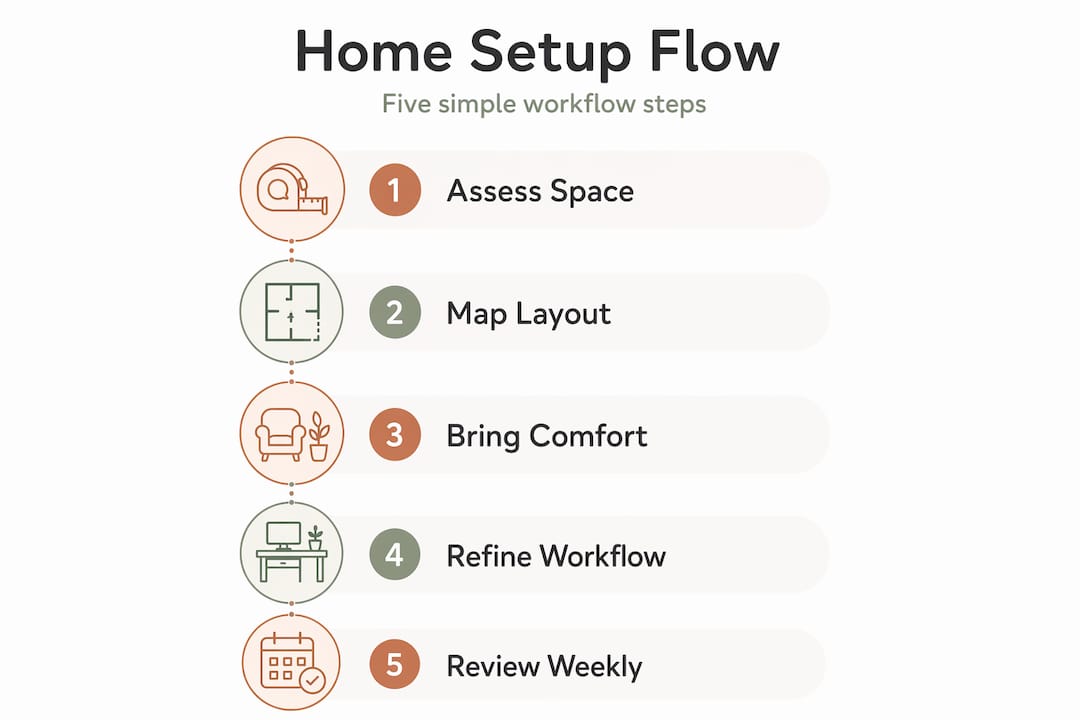
I have seen people spend months perfecting their workspace aesthetics while sitting on a dining chair that is slowly wrecking their posture. The chair decision feels less exciting than choosing a lamp or a print for the wall, but it is the one that will define how your body feels after two years of working from home.
What I have learned from years of refining my own setup: investing in ergonomic fundamentals first delivers far more return than any decorative purchase. The décor comes after the foundation is solid. Not instead of it.
The same principle applies to workflow. People reach for apps and tools and systems before they have simply protected their calendar from unnecessary interruptions. Asynchronous working is not a technology trend. It is a clarity of thinking about output over optics that most organisations are still catching up to.
My advice is this: spend the first month getting the ergonomics and the workflow structure right. Then spend the next month making it feel genuinely like yours. That sequence matters far more than most guides will tell you.
— Cristiano
Make your workspace work beautifully with Homable
If you are ready to move from planning to doing, Homable has the pieces to bring your workspace together with both function and style in mind.

From storage solutions and desk accessories to rugs, curtains, and decorative accents that warm up any room, Homable’s curated range is designed for modern homes where aesthetics and practicality go hand in hand. Whether you are setting up from scratch or refreshing what you already have, you will find stylish home accessories that fit both your space and your budget. Orders over £100 include free shipping, so it is easy to kit out your workspace without overspending. Browse the full range at Homable and take your cosy home setup from idea to reality.
FAQ
What is a cosy home setup workflow?
A cosy home setup workflow is the combination of a physically comfortable, ergonomically sound workspace and a structured daily routine that supports focused, productive work. It balances aesthetics with function to sustain both comfort and output over the long term.
What should I invest in first for my home office?
Start with an ergonomic chair. Quality seating that supports your spine delivers the greatest physical and productivity return of any home office purchase, with ergonomic improvements linked to productivity gains of 22 to 32%.
How do I reduce distractions when working from home?
Batch your communications into two short daily windows and protect the rest of your day for focused work. A structured async workflow can free over 4 hours of deep work daily that fragmented schedules consistently destroy.
How do I make a small workspace feel cosy without cluttering it?
Apply the subtract-first rule: remove one item from a surface before adding anything new. Combine natural textures, a small plant, and layered warm lighting to add atmosphere without visual noise.
How often should I review my home office setup?
A brief daily reset, a weekly cable and tidiness check, and a monthly ergonomic audit are enough for most people. A fuller quarterly review of your workflow habits keeps your routine matched to your actual needs.